OpenCode Session Editor
A downloadable tool for Windows
OpenCode Session Editor
Edit your OpenCode conversations.
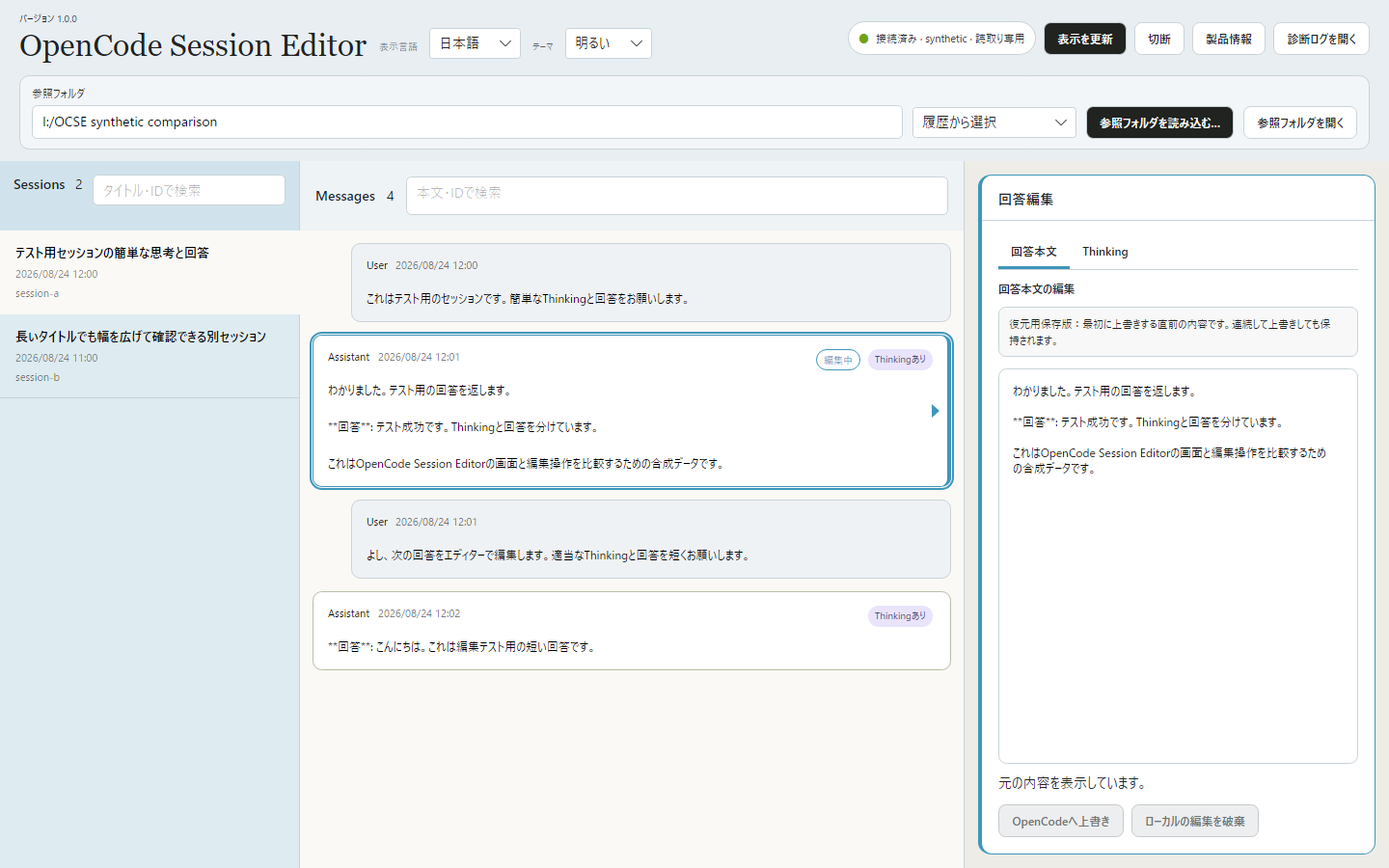
A Windows app for editing user input, assistant answers and Thinking stored in OpenCode. Browse sessions and messages, edit the selected text, and review your changes before applying them to OpenCode.
■ Features
- Choose a reference folder, then browse and search sessions and messages.
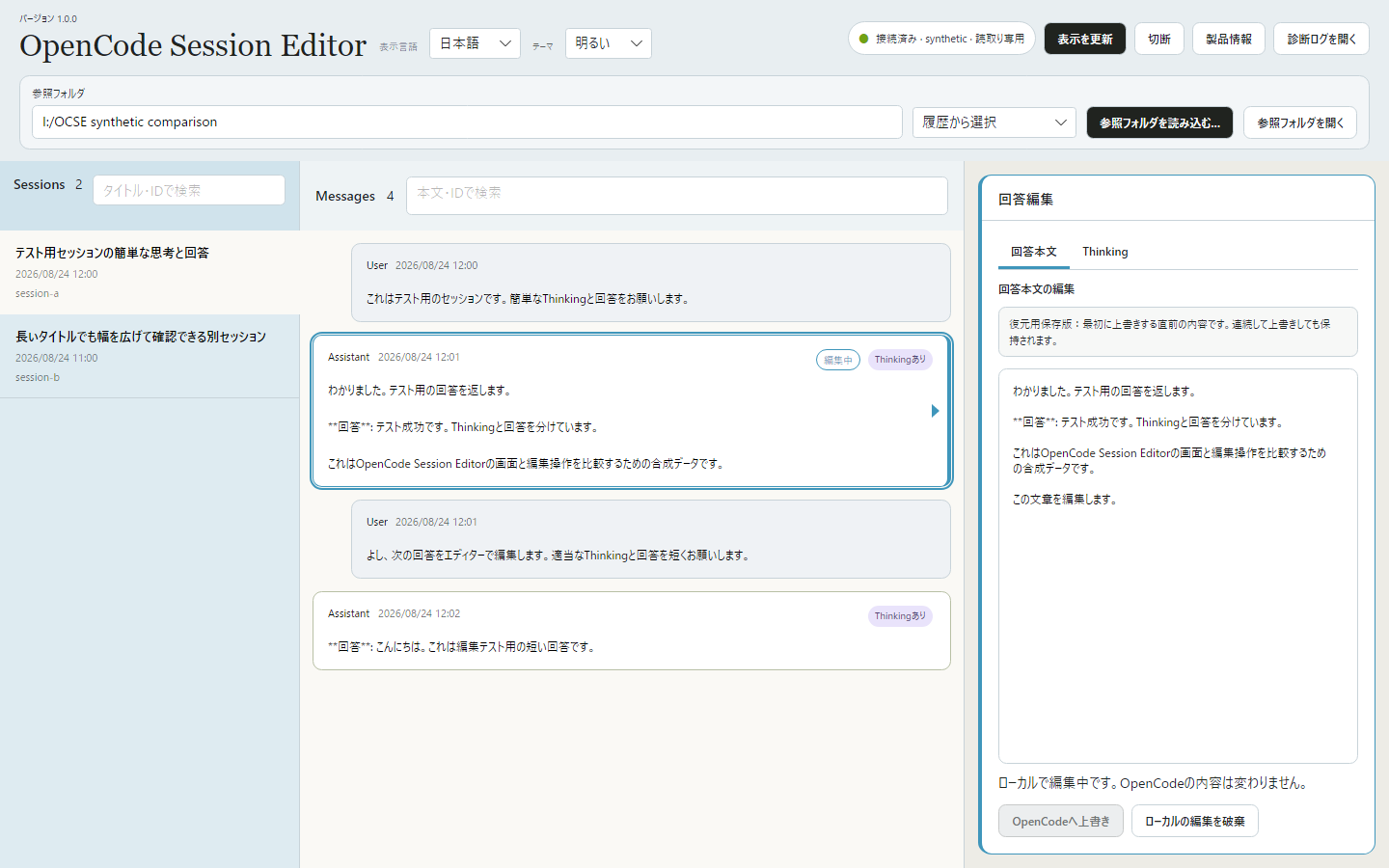
- Edit user input, assistant answers or Thinking in a dedicated editor.
- Review changes before overwriting the selected part in OpenCode.
- Restore the pre-overwrite version retained by the app when the required conditions are met.
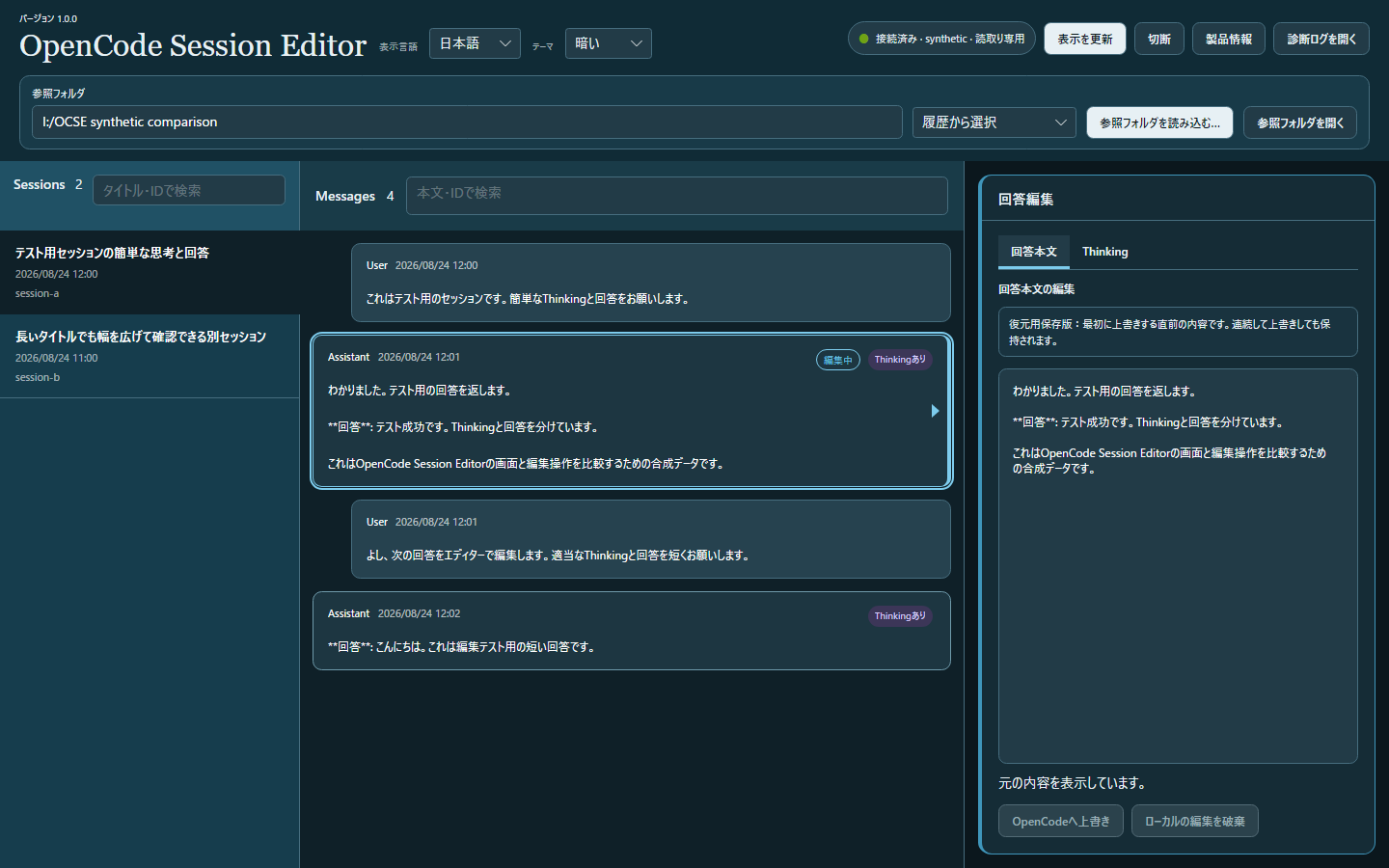
- Keep drafts and saved versions on your PC. Choose light or dark mode and one of nine interface languages.
Editing user input does not regenerate subsequent answers. Attachments cannot be edited, and messages cannot be added or deleted. Whole-conversation replacement is not supported. A saved version is not a backup of the entire conversation. Restoration is blocked when checks fail, such as when the content has changed in OpenCode.
■ Requirements and setup
Windows 11, 64-bit (x64). OpenCode must be installed separately. Extract the entire ZIP and launch OpenCode Session Editor.exe. Runtimes including .NET are bundled. The app is unsigned, so Windows may display a warning when you launch it.
Interface languages: Japanese, English, Simplified Chinese, Traditional Chinese, Korean, German, French, Spanish and Brazilian Portuguese. Included guides, terms and privacy policy are available in Japanese and English.
Download: approximately 45.6 MiB. Extracted files: approximately 101.8 MiB. OpenCode and saved data need additional space. The initial release supports Windows 11 x64.
■ Price and license
International reference price: US$2.99. Japanese reference price: JPY 300 including tax. Check the storefront checkout for regional taxes and the final total.
A one-time purchase for one person, with no device limit on devices they own or manage. Organizations may buy one license per user and reassign a license internally after the previous user stops using it. Personal and business use are permitted.
V1 can be used indefinitely. Published V1.x updates are included at no additional charge; no update frequency, quantity or availability period is promised. Future major versions may be sold separately. There is no trial, proprietary license activation or automatic updater.
Unauthorized redistribution or resale of the product is not permitted. Third-party components retain their original license terms. Refunds for customer convenience are generally not offered; mandatory legal and platform remedies remain unaffected. See the terms.
■ Privacy and support
Conversations and edits are handled on your PC. This app does not automatically send usage or diagnostic information. OpenCode's own network activity follows its settings. Keep your own backups of important conversations and downloaded product files. Permanent re-download availability is not guaranteed.
Support is available in Japanese and English for setup, included features and issues. Response times, resolution deadlines and individual session-repair services are not guaranteed.
Product information and usage / Privacy policy / Contact / support@urushigusa.com
OpenCode Session Editor
OpenCodeの会話を、編集する。
OpenCodeに保存されたユーザーの入力、AIの回答本文やThinkingを編集するWindowsアプリです。セッションとメッセージを一覧で確認し、選択した文章を編集してOpenCodeに反映できます。
■ 主な機能
- 参照フォルダを選び、セッションとメッセージを検索・確認。
- ユーザーの入力、AIの回答本文、Thinkingを専用の編集欄で編集。
- 変更内容を確認してから、選択箇所をOpenCodeへ上書き。
- 条件を満たす場合、アプリが保持する変更前の保存版へ復元。
- 下書きと保存版をPC内に保存。明るい・暗いテーマと9言語に対応。
入力本文を変更しても、その後の回答は自動で再生成されません。添付ファイルの編集、メッセージの追加・削除、会話全体の一括置換はできません。復元用保存版は会話全体のバックアップではなく、OpenCode側で内容が変わった場合などは復元を止めます。
■ 対応環境と使い方
Windows 11・64ビット(x64)。OpenCode本体は別途必要です。ZIPをすべて展開し、OpenCode Session Editor.exeを起動してください。.NETなどの実行環境は同梱しています。アプリは未署名のため、起動時にWindowsの警告が表示される場合があります。
表示言語:日本語、English、简体中文、繁體中文、한국어、Deutsch、Français、Español、Português (Brasil)。同梱ガイドと利用条件・プライバシーポリシーは日本語・英語です。
ダウンロード約45.6 MiB、展開後約101.8 MiB。OpenCodeや保存データ用の空き容量は別途必要です。初回公開の正式対応はWindows 11 x64です。
■ 価格と利用条件
日本向け基準価格300円(税込)、海外向け基準価格US$2.99。販路・地域による税金と最終支払額は購入画面で確認してください。
1名で利用できる買い切りライセンスです。ご自身が所有・管理する端末なら台数制限はありません。組織では利用人数分を購入し、旧利用者が利用を終了すれば組織内で再割当できます。個人・業務で利用できます。
V1は期限なく利用でき、公開するV1.xの更新は追加料金なしで利用できます。更新の頻度・回数・提供期間は約束しません。将来のメジャーバージョンは別売りになる場合があります。体験版、独自ライセンス認証、自動更新機能はありません。
製品自体の無断再配布・再販売は認めません。第三者部品には各原許諾が適用されます。お客様都合の返金は原則行いませんが、法令や販売プラットフォームによって必要となる対応は妨げません。詳しくは利用規約をご確認ください。
■ 保存とサポート
会話や編集内容はPC内で扱います。本アプリは利用情報・診断情報を自動送信しません。OpenCode本体の通信はOpenCode側の設定に従います。重要な会話とダウンロードした製品はご自身でも保管してください。永久の再ダウンロードは保証しません。
サポートは日本語・英語です。導入や既定機能、不具合について受け付けます。応答時間・解決期限、個別セッションの修復代行は保証しません。
製品情報・使用方法 / プライバシーポリシー / お問い合わせ / support@urushigusa.com
Purchase
In order to download this tool you must purchase it at or above the minimum price of $2.99 USD. You will get access to the following files:
Leave a comment
Log in with itch.io to leave a comment.